How to Install a Wall Mounted TV: Step-by-Step DIY Guide
AG
Gather Your Tools and Materials
Before you begin, make sure you have all the necessary tools and materials at hand. You'll need a wall mount kit, a drill, a stud finder, a level, screws, and a screwdriver. Having these ready will help streamline the process and prevent any mid-installation delays.
Choose the Right Location
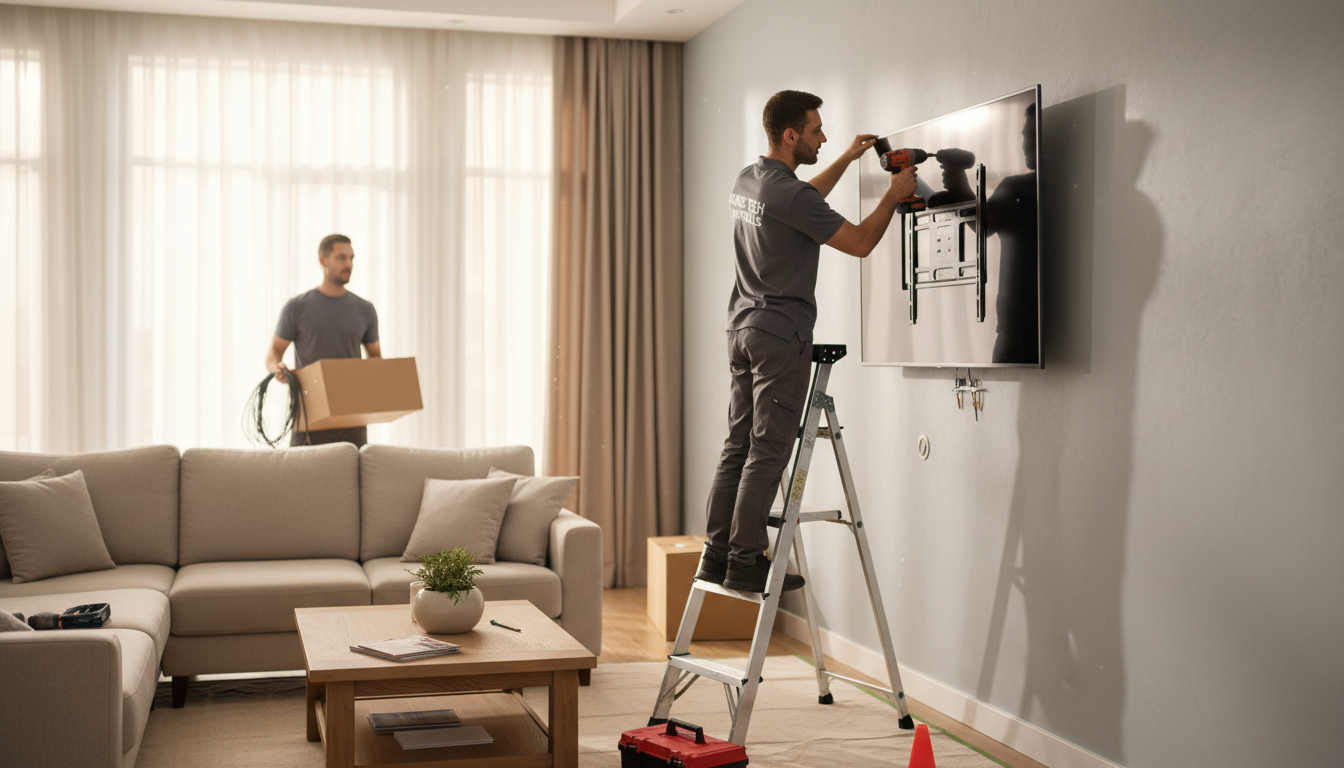
Deciding where to mount your TV is crucial. Consider the room’s layout and where people will be sitting. Make sure the TV is at eye level for optimal viewing comfort. Also, ensure there are power outlets nearby to avoid messy cable runs.
Locate the Studs
Use a stud finder to locate the studs in the wall. Mounting your TV on studs provides the necessary support to hold its weight. Mark the stud locations with a pencil to guide your drilling.

Install the Wall Mount Bracket
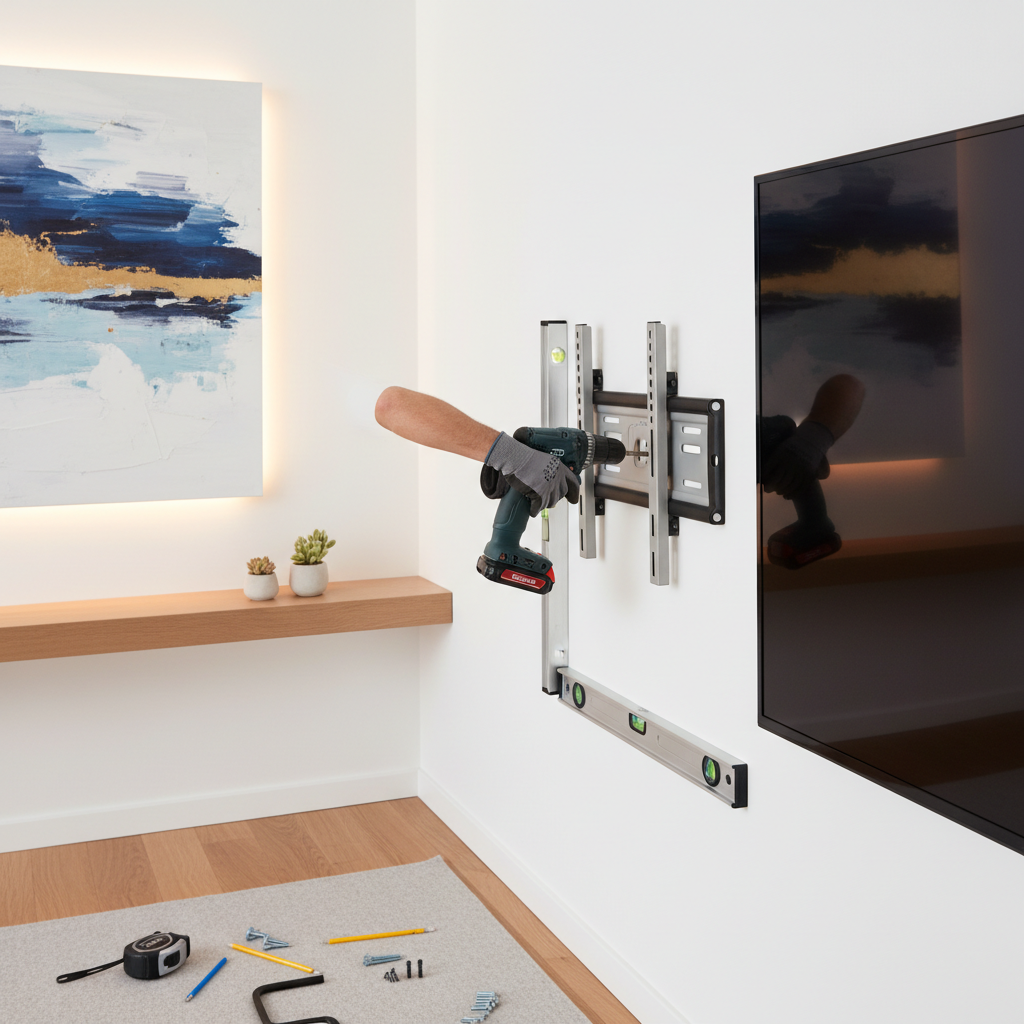
With the studs located, position the wall mount bracket against the wall, aligning it with the stud marks. Use a level to ensure it’s straight. Drill pilot holes into the studs and secure the bracket using the screws provided in your kit.
Attach the Mounting Plate to the TV
Turn your attention to the TV and attach the mounting plate. Most wall mount kits come with multiple screws to fit different TV models. Choose the screws that fit your TV and secure the plate to the back of your television.
Hang the TV on the Wall
With the bracket and mounting plate securely in place, you’re ready to hang your TV. This step is best done with two people to avoid damaging the TV or the wall. Carefully lift the TV and align the mounting plate with the bracket. Secure it in place according to the instructions provided in your wall mount kit.
Conceal the Cables
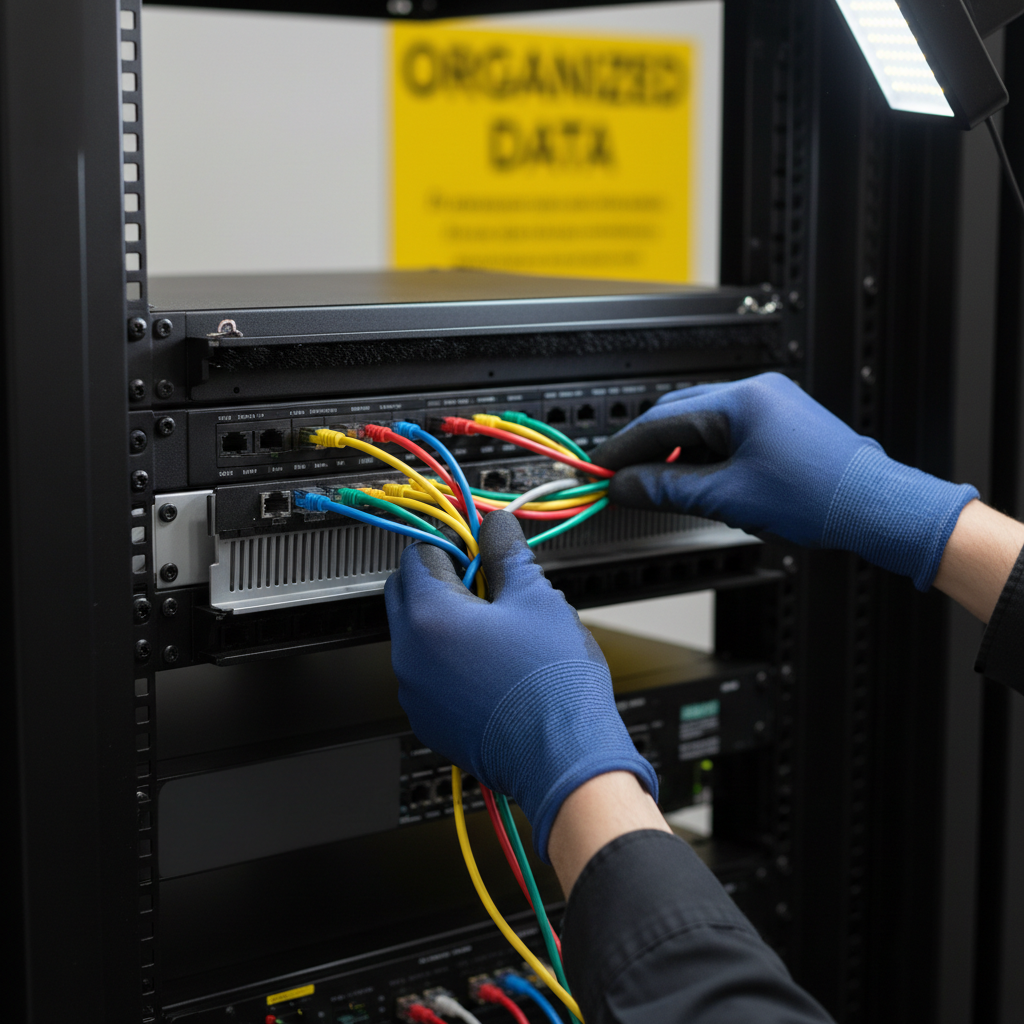
Once your TV is mounted, consider concealing the cables for a clean, professional look. Cable management kits are available that allow you to hide wires within the wall or along its surface, maintaining a tidy appearance.
Final Adjustments and Testing
After everything is in place, make final adjustments to the TV’s angle and position if your mount allows for it. Ensure the TV is secure and test its functionality. Turn on the TV to check for any issues with the picture or connections.
Enjoy Your New Setup
Congratulations! You’ve successfully installed your wall-mounted TV. Enjoy your new viewing experience and the extra space you’ve created in your room. Remember, a well-mounted TV not only enhances your entertainment experience but also adds a modern touch to your space.